
Device and browser information
Bounty Game Mobile
Prepare a mobile device for safer app or browser access, with attention to screen privacy, network changes, updates and performance.
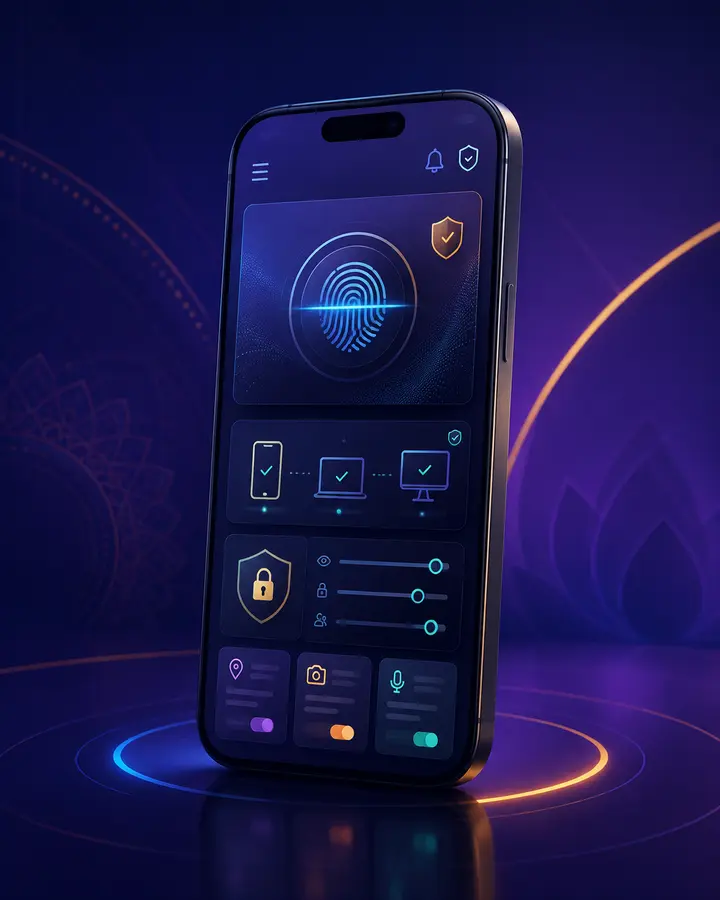
Set up the device first
Install current operating-system and browser updates, use a screen lock and keep enough storage for stable operation. A device that is already compromised cannot protect account details reliably.
Avoid rooted or heavily modified devices for sensitive account and payment activity unless you understand the added risk.
- Update Android and the browser.
- Use a PIN or biometric screen lock.
- Remove unknown accessibility services.
- Back up important personal data.
Use networks carefully
Open public Wi-Fi can expose traffic and encourage fake sign-in portals. Use a trusted network for sensitive activity and verify the destination after switching connections.
When a screen appears delayed, check the account record before tapping again.
Keep the interface readable
Use a comfortable text size and avoid rotating the screen during a transaction. Confirm button labels before tapping, particularly when Hindi text wraps to more than one line.
Do not rely on colour alone to understand a status; read the written label and record.
Protect a shared phone
Do not save passwords or leave an account signed in. Clear sensitive downloads and notifications, and review browser profiles before handing the device to another person.
A private device remains the safer option for account access.