
Device and file checks
Bounty Game Download
Understand app and APK download precautions before changing Android security settings or opening a file. No APK binary is hosted on this independent website.
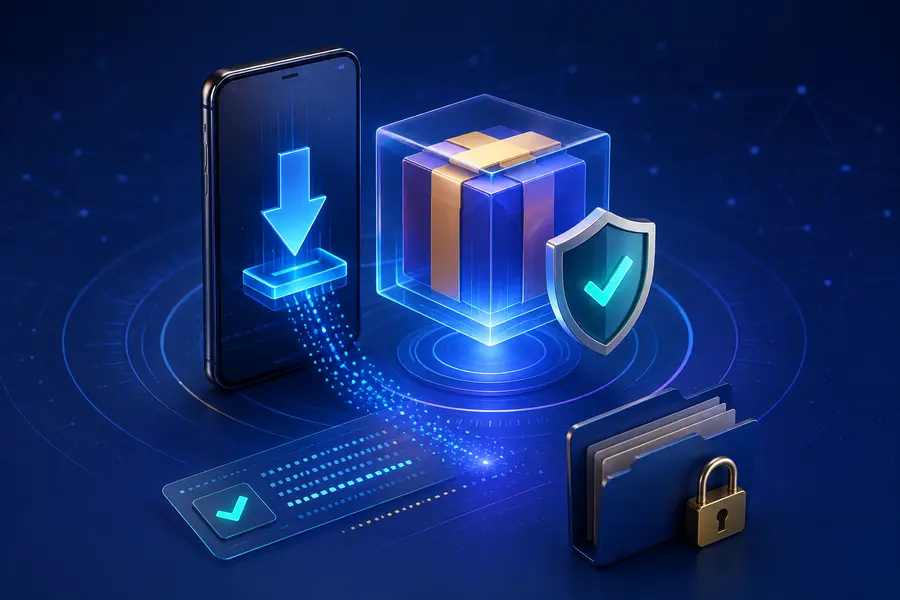
Verify the source before downloading
A familiar filename, icon or forwarded link is not proof of authenticity. Check the destination, connection and context. Avoid links distributed through unsolicited messages, pop-ups or groups that demand immediate installation.
This site does not publish an unverified version number, file size, minimum Android release or store URL. Those details should come from a current, reliable source.
- Read the complete filename and extension.
- Scan the file where a trusted security tool is available.
- Keep a backup of important device data.
- Do not disable security protections permanently.
Review Android warnings and permissions
Android warnings are designed to slow down risky installations. Read them rather than clicking through automatically. An app should not receive more access than its function reasonably requires.
Be especially cautious with accessibility control, SMS, contacts, screen capture, overlay and device-administrator permissions. Unexpected requests can expose account or payment information.
Check the device after installation
Review battery, data and background activity. Look for new pop-ups, redirects or notification behaviour. If the device becomes unstable, disconnect sensitive accounts and remove the suspicious app.
Updates deserve the same source and permission checks as the first installation. A familiar icon does not verify a new package.
- Turn off installation from unknown sources when no longer needed.
- Remove leftover installation files.
- Keep the operating system and security definitions current.
- Review account activity after any suspicious event.
Separate information from distribution
This page explains download awareness. It does not distribute software, certify a binary or promise that an external file is safe.
Use the dedicated App, APK and Security pages for more focused checks.
Frequently asked questions
Why should I verify a download file?
An unfamiliar file may contain altered code or request inappropriate permissions. Check the source, filename and device warnings carefully.
Is an APK file hosted on this website?
No. This independent information website does not host an APK binary or claim to verify a specific build.
What should I review after installation?
Review app permissions, data use, battery behaviour and security settings, and disable access that is not reasonably required.